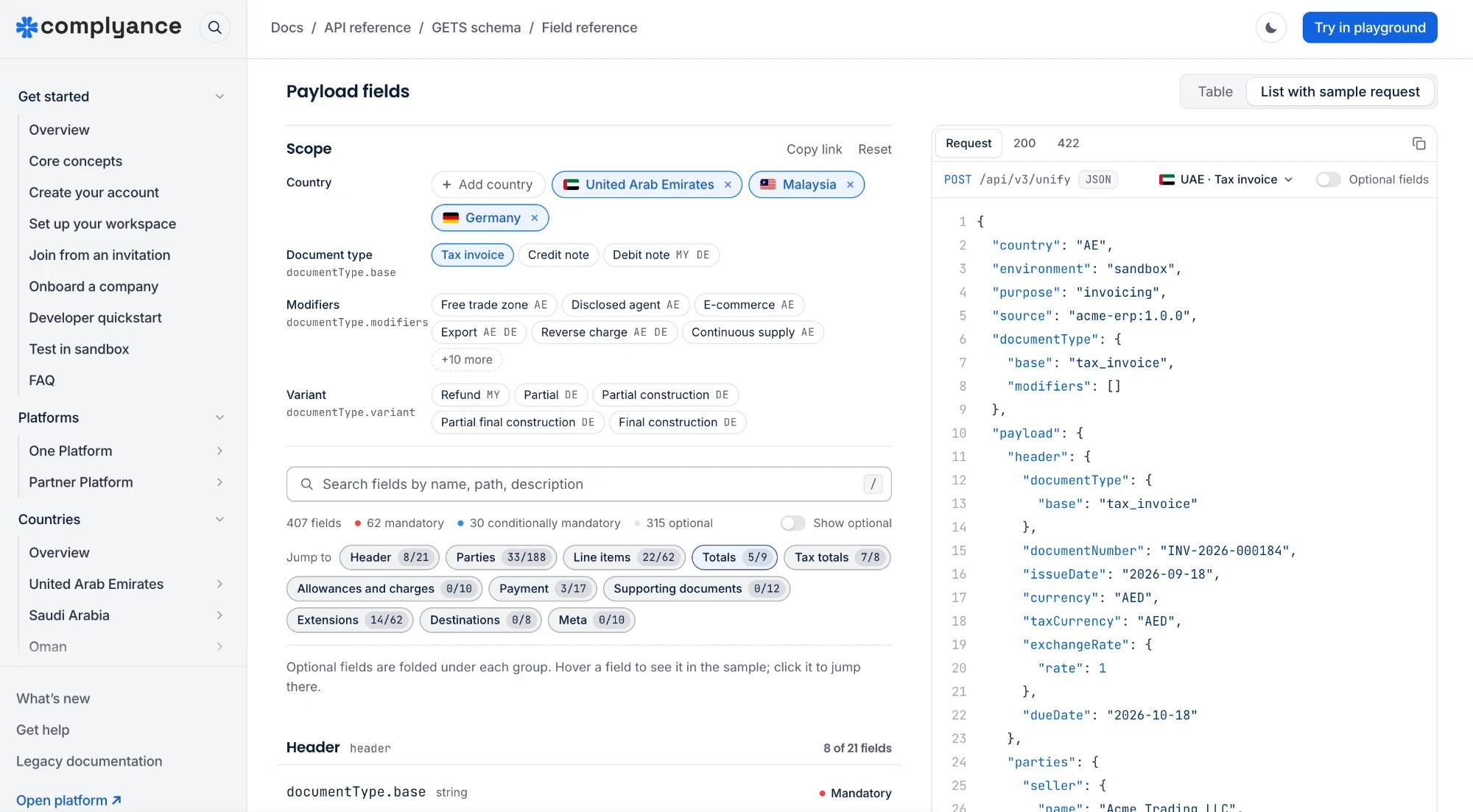
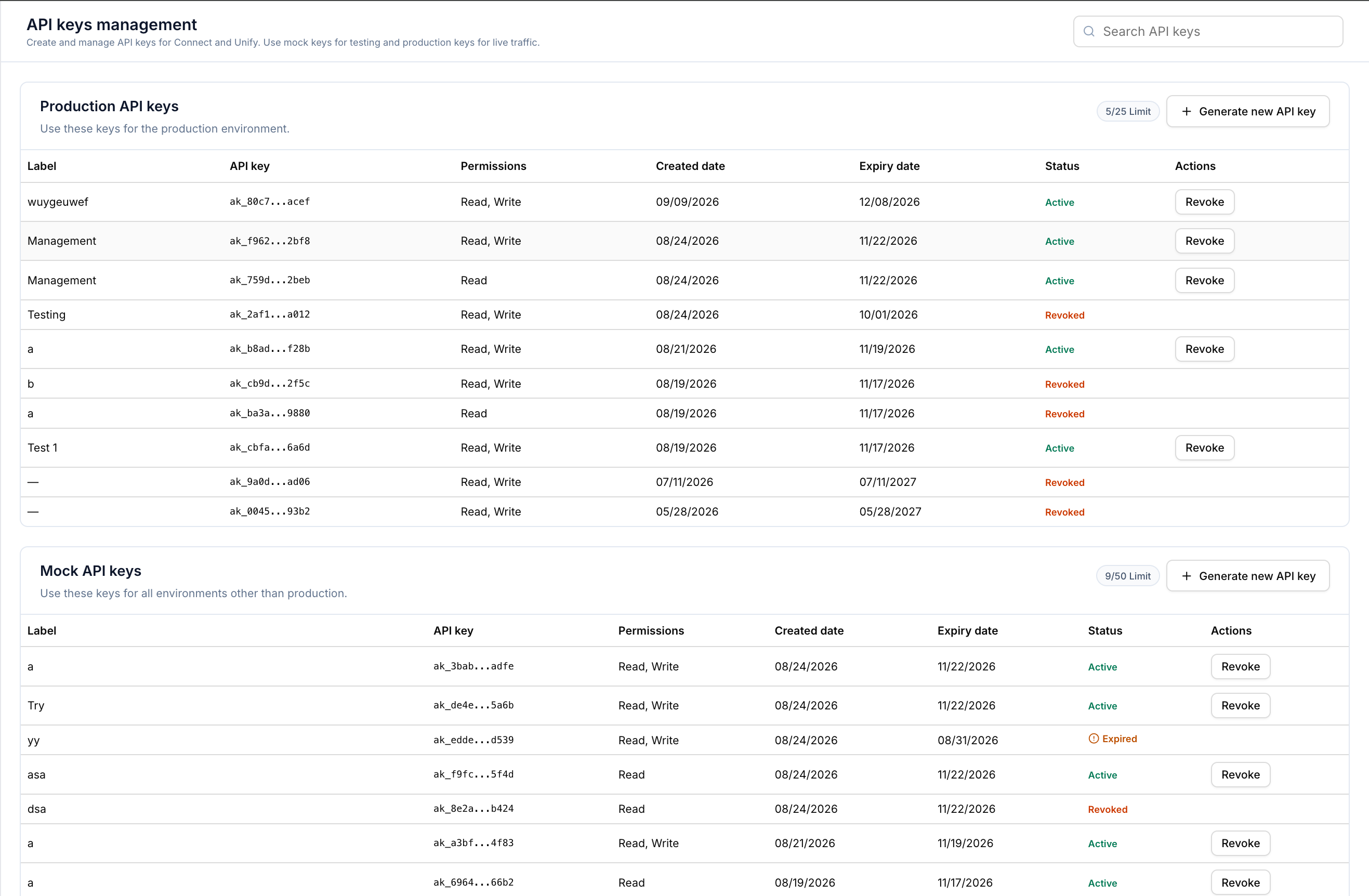
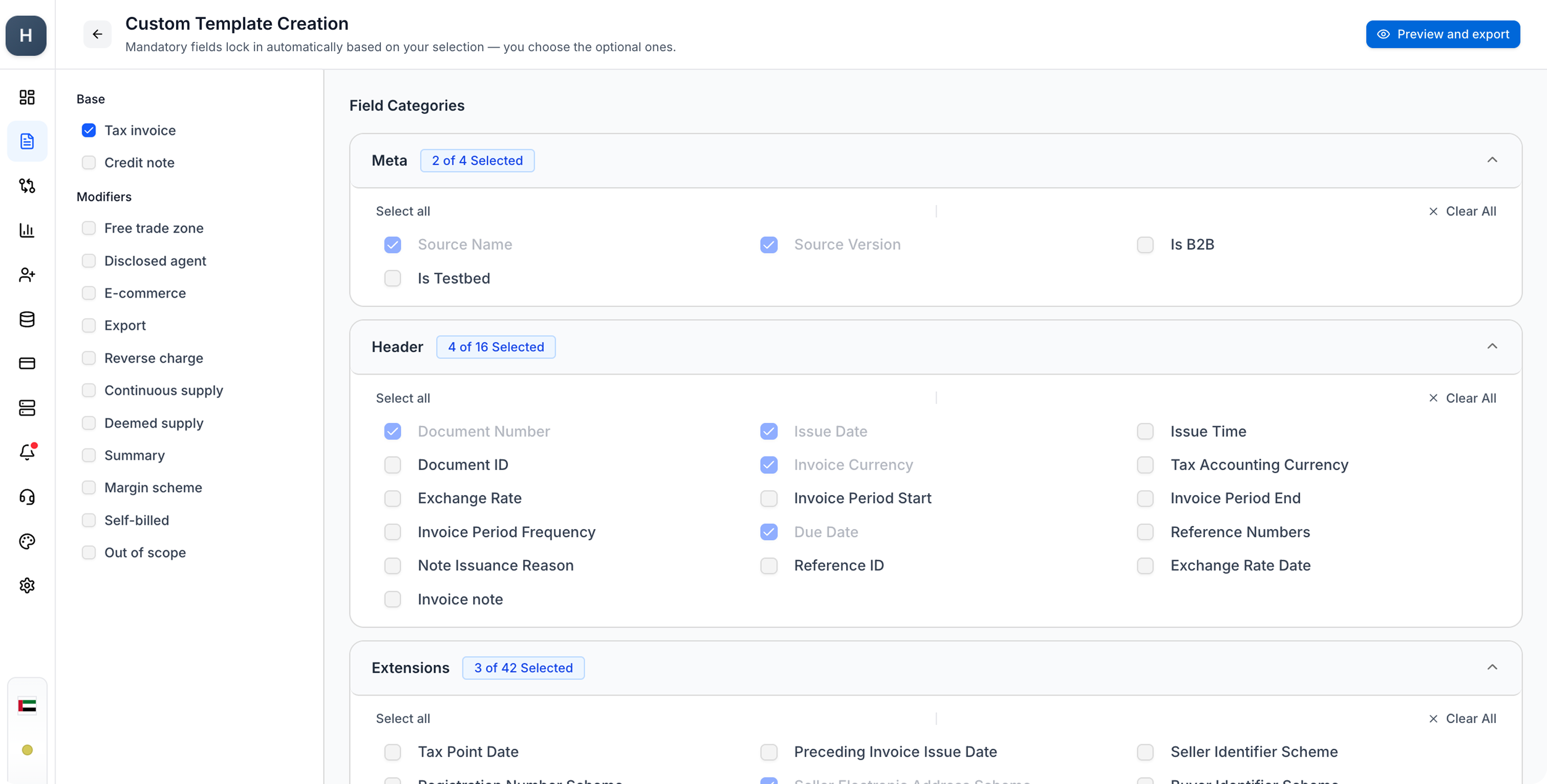
v3.17.0 introduces ERP reconciliation for verifying Complyance data against ERP records, supports the UAE mandate for multiple discounts per line item, adds supporting-document ingestion, applies local currency formatting, and extends the query API with failed-invoice filters. On the Partner Platform, it simplifies ISV integration setup, gives partners more control over customer access, makes purchase invoice assignment and delivery easier to manage, and introduces limited-availability accounting-firm onboarding and customer activation workflows.
Features apply to the portals and account types identified below. Availability depends on your workspace configuration and rollout. Pilot and preview capabilities are listed separately below.
ERP Reconciliation
Sales and purchase invoices
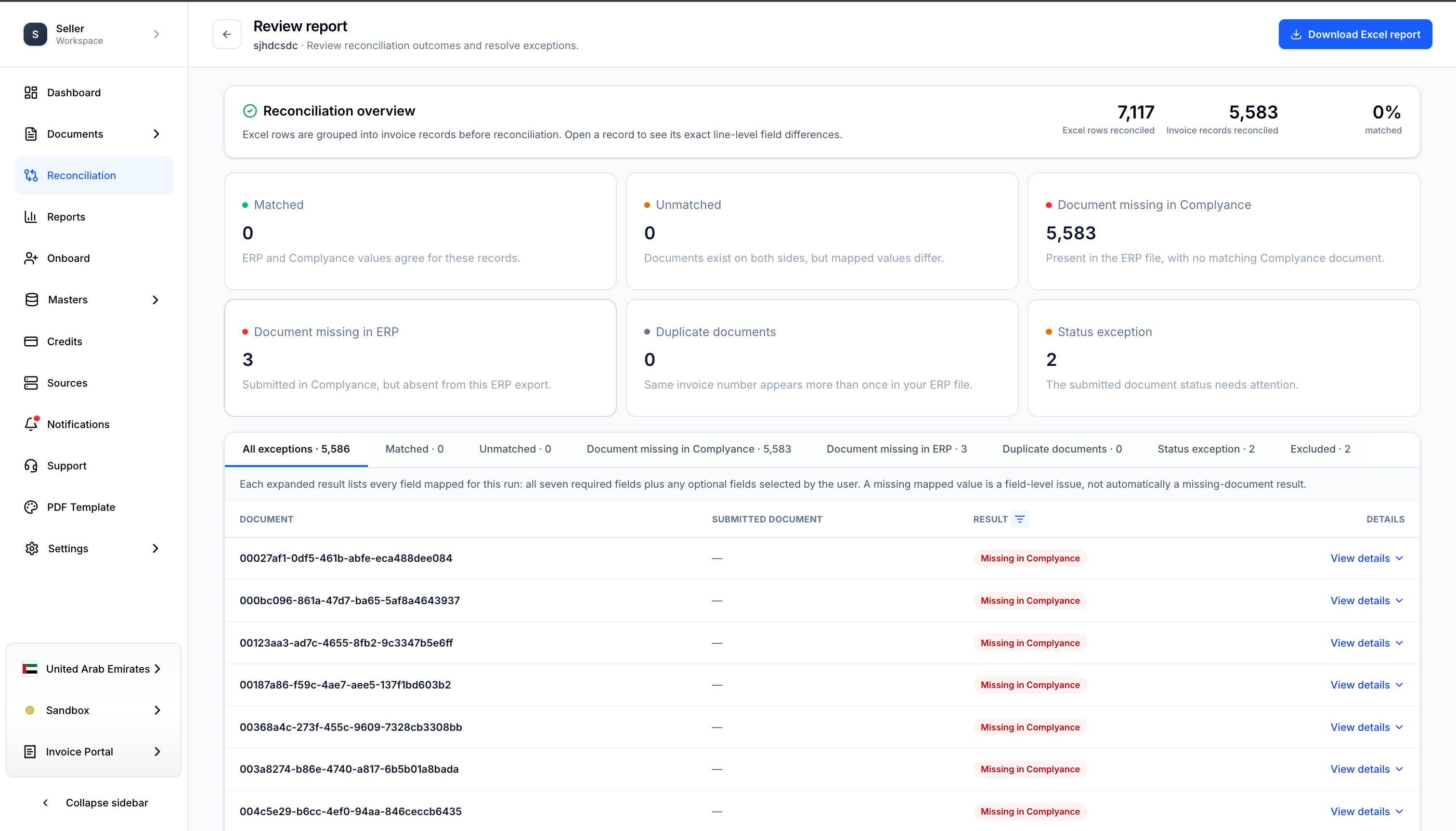
ERP Data Comparison
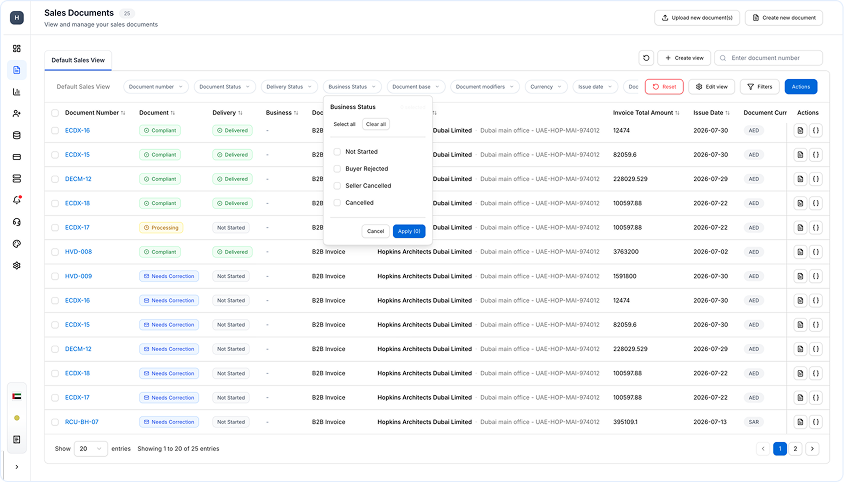
Complyance data can now be reconciled against ERP records to identify discrepancies. ERP exports are ingested in XLSX format, with column headers mapped to Complyance fields.
Pre-Check Error Detection
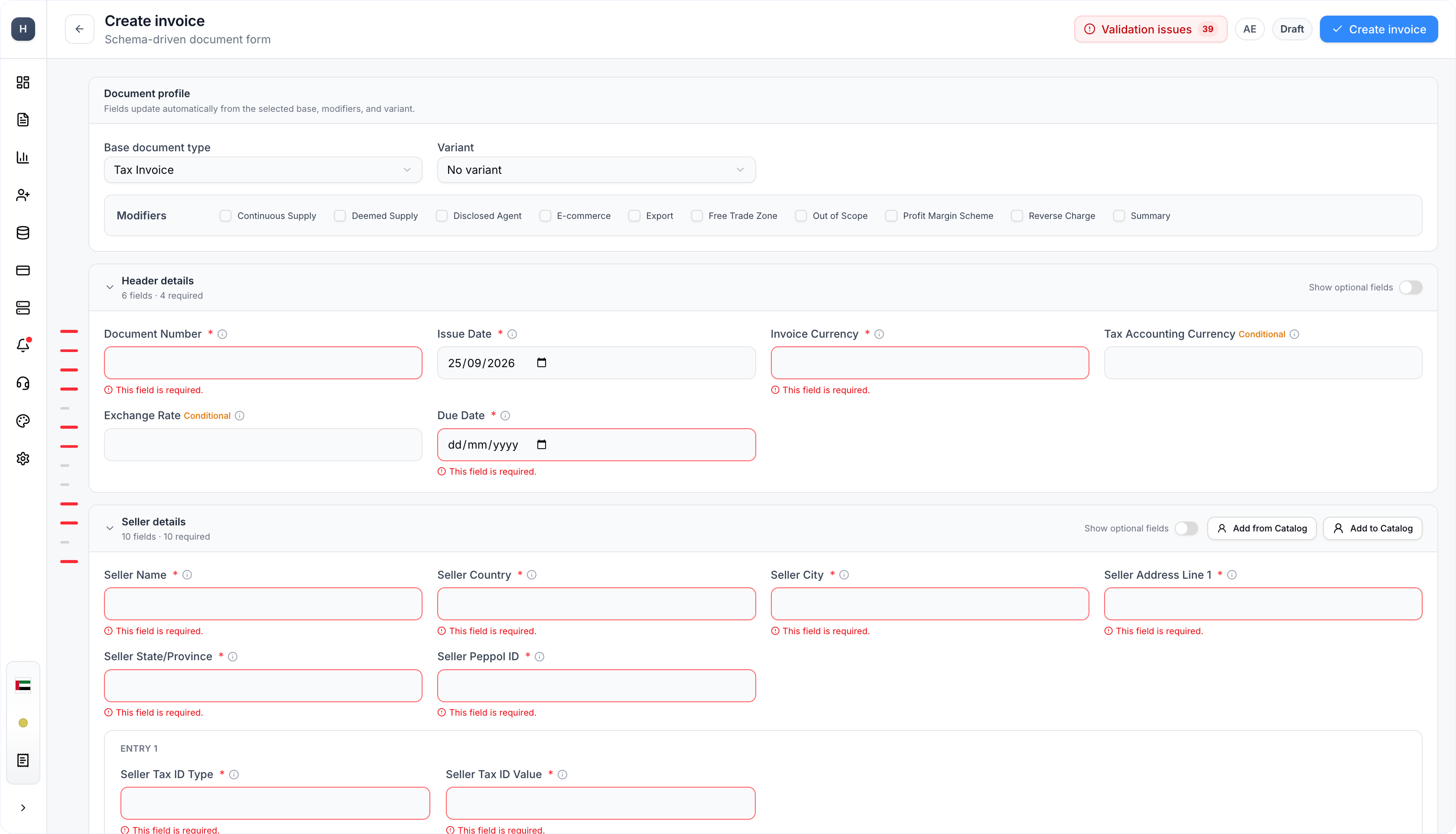
A pre-check flags errors in the uploaded file, such as missing mandatory fields, and identifies the exact row numbers affected. Flagged rows must be excluded for reconciliation to proceed, so only clean rows are compared.
Categorized Reconciliation Report
Reconciliation produces a detailed report categorizing matches, mismatches and exclusions.
Excel Export
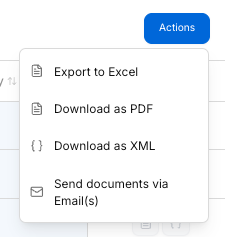
The reconciliation report is exportable to Excel, supporting external rework and team collaboration.
Multiple Discounts per Line Item
UAE
Multiple Discounts Support
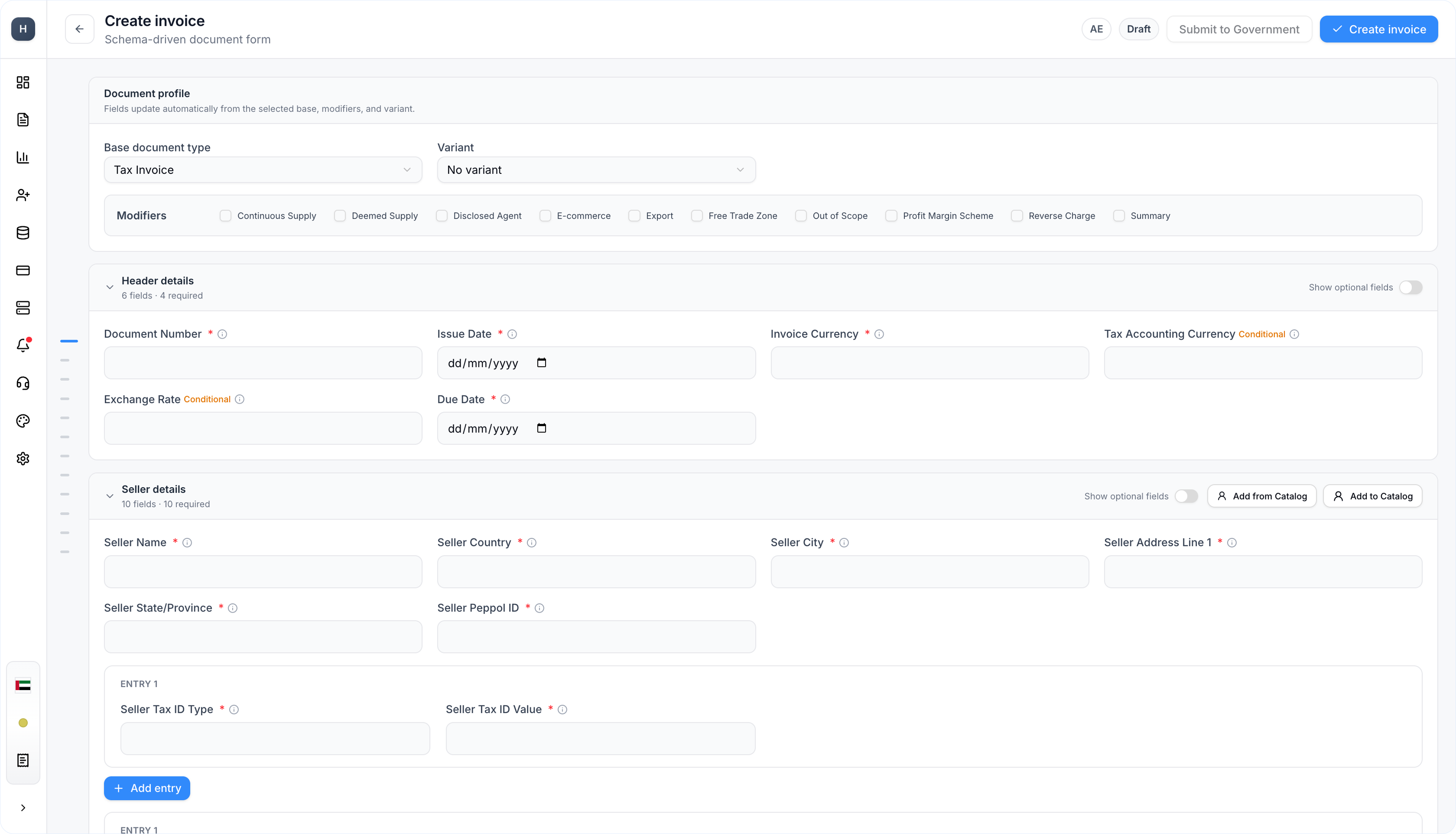
A single line item can now carry multiple discounts, meeting the UAE mandate. Each discount is represented as a duplicated line in the upload file with a unique line discount ID.
Consolidated Line Display
The UI displays such entries as a single line item with all associated discounts listed together.
Supporting Document Ingestion
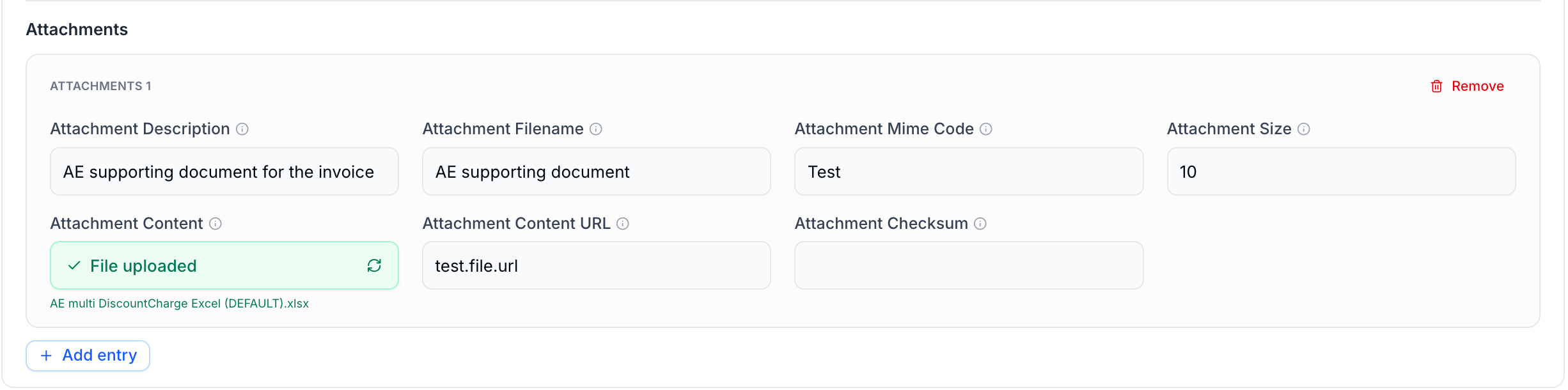
API Ingestion
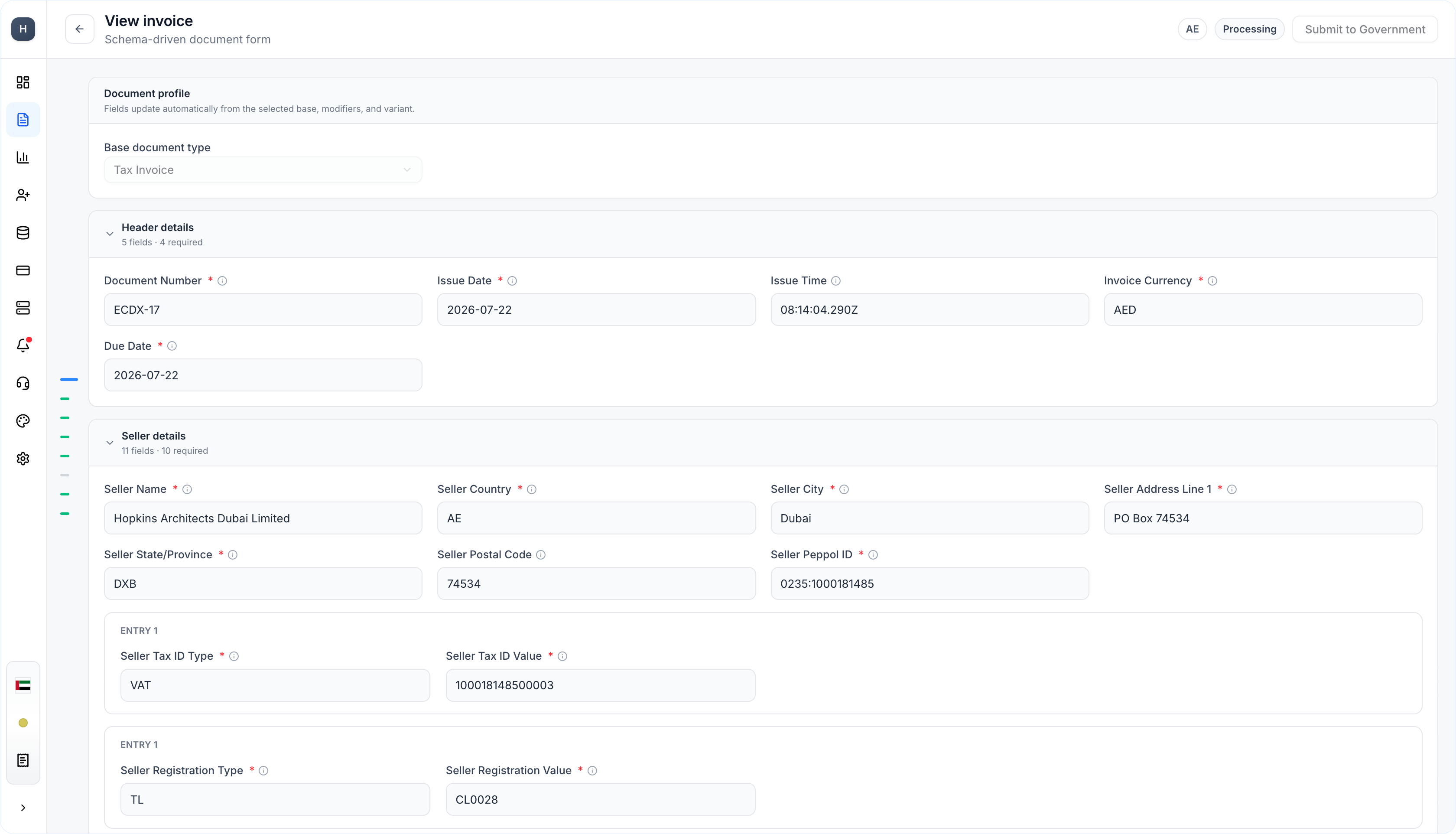
Invoices submitted via API can now include supporting files, such as PDF or PNG, as Base64-encoded content in the XML payload. Complyance decodes the files and displays them in the portal.
Attachments in API Responses
Attached files are included as a sub-item in the API response object.
Portal Upload
Supporting files can be uploaded directly in the Create Invoice form, with Base64 encoding handled automatically. Supporting documents are not available via Excel bulk upload.
Local Currency Formatting

Country-Specific Separators
Currency amounts in the UI now display with country-specific comma separators, such as 1,000.00.
Formatted Invoice PDFs
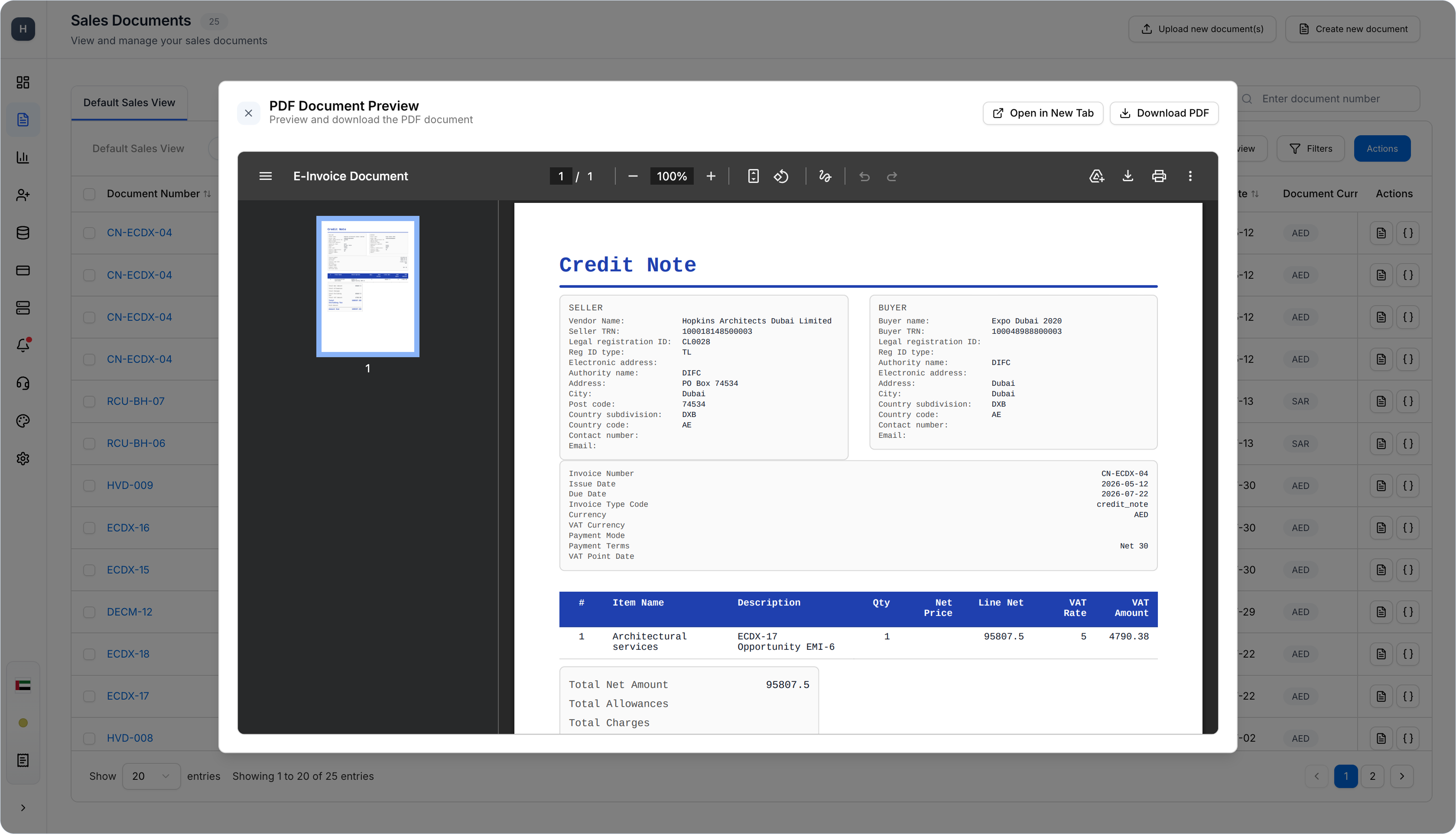
Generated PDFs apply the same local formatting. This applies to new invoices; PDFs for invoices submitted before this release are unchanged.
Failed Invoice Filtering via API
Issue-Date and Status Filters
The existing query API now supports filtering failed invoices by issue date and by multiple document-status values, such as Non-Compliant and Needs Correction, in a single request.
Planned Response Refinement
An upcoming update will support the columns filter to return only required fields, such as document number, status and date, instead of the full document history.
Default Mapping and Integration Setup
ISV workspaces
Ready-to-Use UAE Mapping
Eligible ISV workspaces now receive a protected default UAE GETS mapping with a complete sample payload, providing a starting structure instead of requiring a new UAE mapping to be built from scratch. Receiving a default mapping does not by itself qualify a workspace for production invoicing.
Automatic Source Assignment
Newly onboarded sources are now connected to the designated default mapping automatically when automatic assignment is enabled. The setting governs future onboarding only; existing sources and their custom mappings are unaffected.
Editable Mapping Copies
The protected system default can now be duplicated when an integration needs an independently editable mapping. The copy is a separate configuration with its own country context, testbed progress and source assignments; the original default remains protected.
Existing Integration Compatibility
Default-mapping setup preserves existing custom integrations rather than replacing them. Eligible existing workspaces can receive a missing system default alongside their current integrations, and existing customers retain their previous qualification behavior.
Mapping Readiness
Mapping readiness now shows testbed qualification separately from source connection. A mapping can have passed its required scenarios while still needing a source association before it becomes active, making it clear whether the next step is testing or source setup.
Payload Management
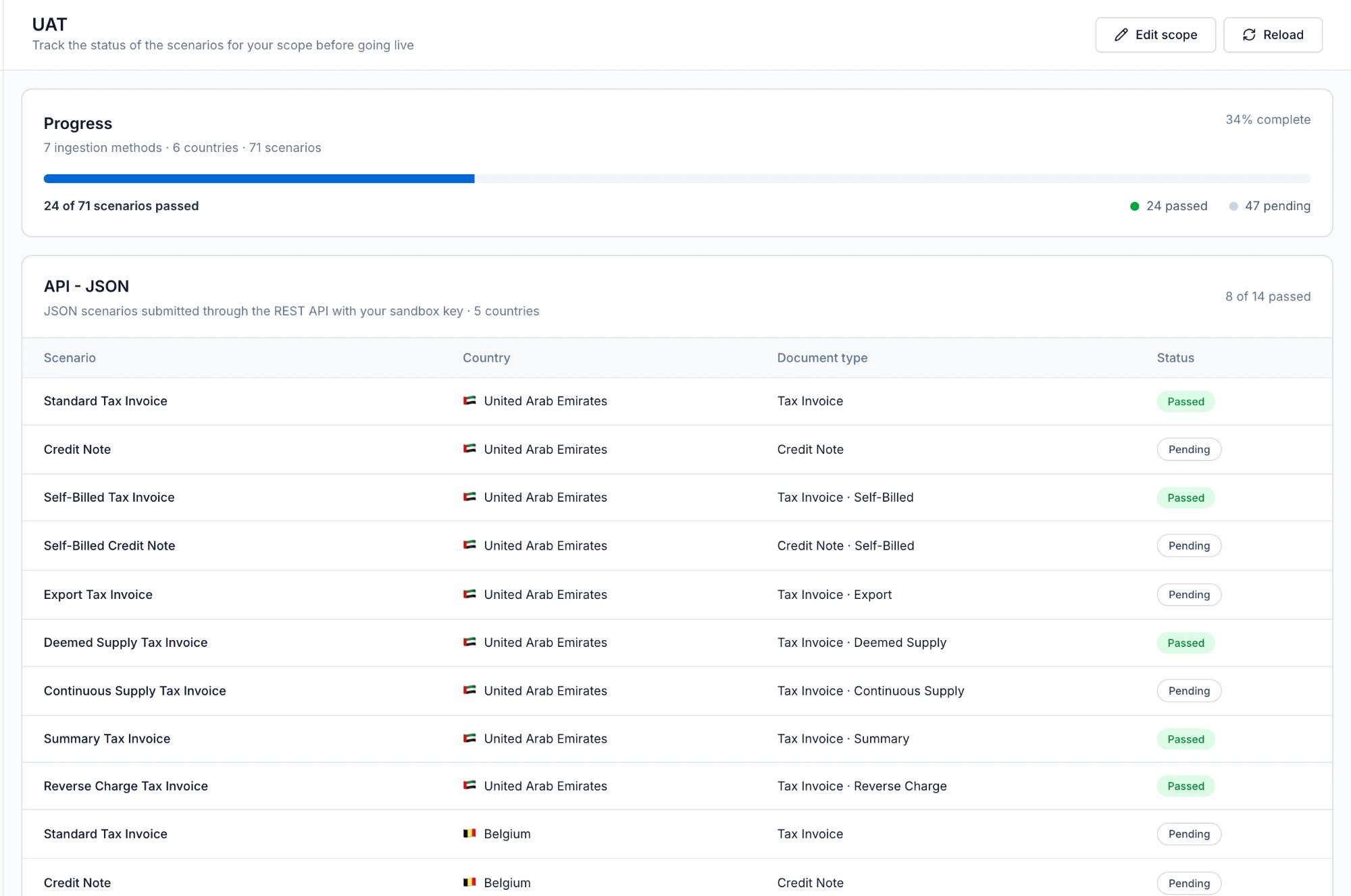
ISV workspaces now have access to Payload Manager to browse, search and filter workspace payloads by country, document type or date, with a preview for inspecting and copying JSON. Payload browsing is separate from testbed qualification.
Consistent Workspace Setup
Additional workspaces created under an ISV account now inherit the ISV account classification and receive the applicable ISV setup experience. Each new workspace still completes its own setup and customer-run qualification.
Testbed Qualification
New ISV workspaces using the default mapping
Run Scenarios with Your Own Payloads
New ISV workspaces start with no pre-passed testbed results for the default mapping. Qualification now uses customer-run scenarios executed against the workspace's own uploaded JSON payloads; the built-in sample is a reference, not a substitute.
Direct Testbed Access
Testbed can now be opened directly from the default mapping, so qualification does not require unlocking the system-managed mapping or creating an editable duplicate.
Saved Test Results
Each scenario now retains its result and the payload used for that run across reloads, making it easy to identify which scenarios still need attention. Routine default-mapping setup does not reset completed results.
Production Readiness Checks
For new ISV workspaces on the default mapping, production invoicing is blocked until all required scenarios pass, across both portal and API submission paths. Company onboarding and sandbox remain available during testing, and existing customers keep their previous qualification behavior.
Mapping Transfer and Customer Access
Developer Portal and supported ISV-managed customer relationships
Scoped Integrator Access
Administrators can now invite implementation users with an Integrator access grant, providing the Developer Portal access needed for integration work without unrelated commercial access or automatic customer-workspace membership. The designation is visible in user management and can be suspended or removed.
Customer-Owned Mapping Copies
Users with the Integrator grant can now transfer a copy of an accessible mapping into a customer workspace. The result is an independent customer-owned draft containing mapping configuration only — source connections, credentials, webhooks, uploaded payloads and previous testbed results are not transferred.
Qualification for Transferred Mappings
Transferred mappings arrive as drafts requiring country confirmation and testbed completion in the destination workspace. Source assignment is blocked across all supported paths until these steps are complete.
Independent Documents and Reports Access
Portal access for supported ISV-managed customer relationships can now be granted per module — Documents, Reports, both or neither. New relationships begin with both modules disabled so access is granted deliberately; existing relationships retain their compatibility behavior.
Simpler Customer Management Setup
The Enable customer management dialog now combines enabling management and choosing the Documents and Reports modules in a single flow, with integration scope reviewed separately through Edit scope.
Connection Lifecycle Controls
Supported customer connections can now be suspended, resumed or disabled from Customer Access, with confirmation prompts before disruptive changes and a stronger confirmation for disabling. Access management is read-only while suspended, and lifecycle changes are recorded in the connection's history.
Editable Connection Scope
The country, environment and permitted Sales or Purchase document flows of an existing customer connection can now be reviewed and adjusted through Edit scope. Connection scope is separate from the Documents and Reports portal-access switches.
Customer Access History
Customer connections can now be searched and filtered by status and scope, with a per-relationship history of recorded lifecycle actions such as activation, suspension, disabling and scope updates.
More Reliable Invitations and Navigation
Selective customer invitations now route recipients to the correct One Platform page — reports-only users reach the appropriate report page, and document access no longer stalls on Checking permissions. Manage portal access controls correctly reflect saved settings after changes.
Partner Signup and Company Linking
Sign Up Before Linking Your Company
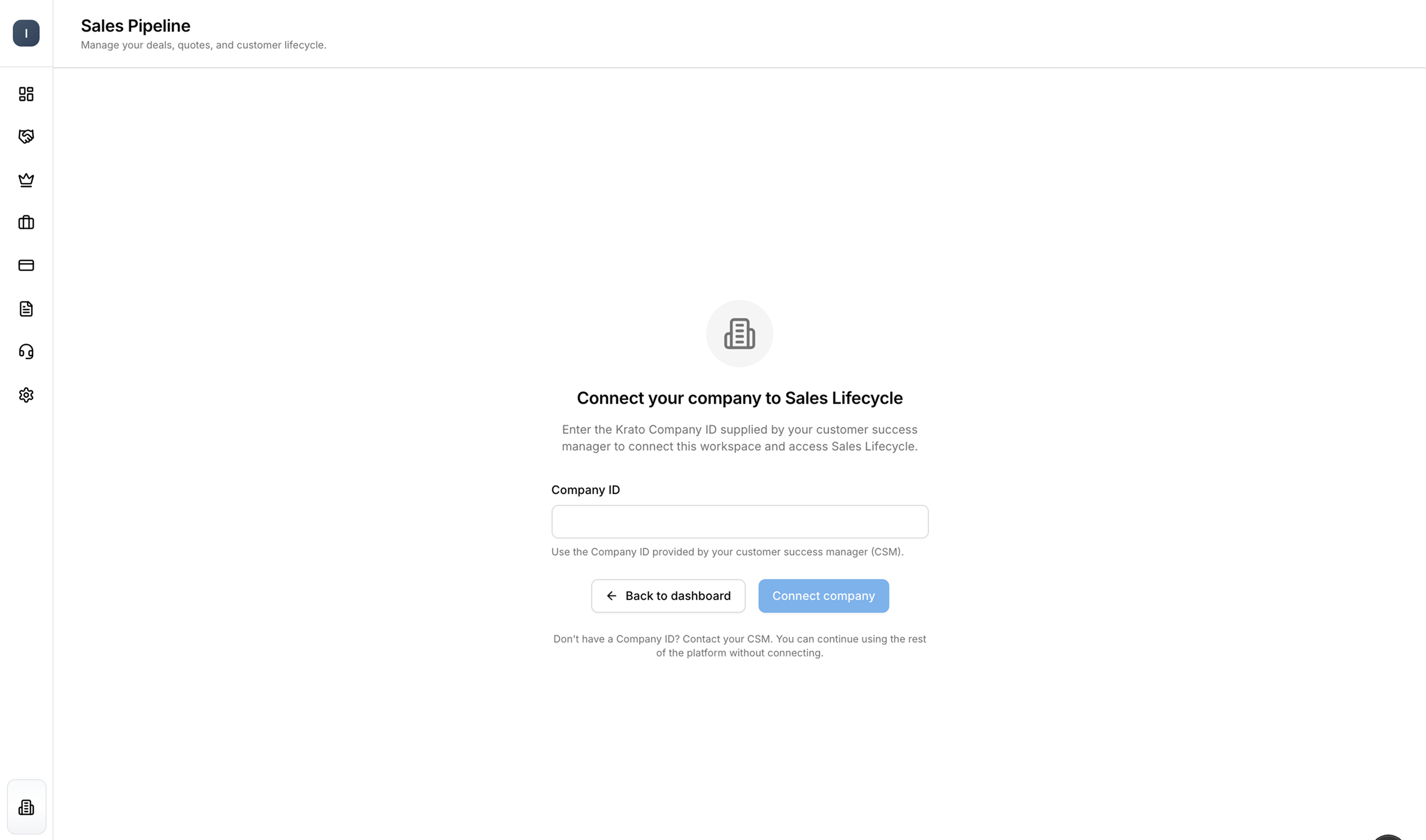
Partners using standard signup can now complete account creation and workspace setup before supplying the company-link ID. An owner or administrator completes the link through Connect your company when accessing Sales Lifecycle; already-linked workspaces are unaffected.
Company-Link Validation
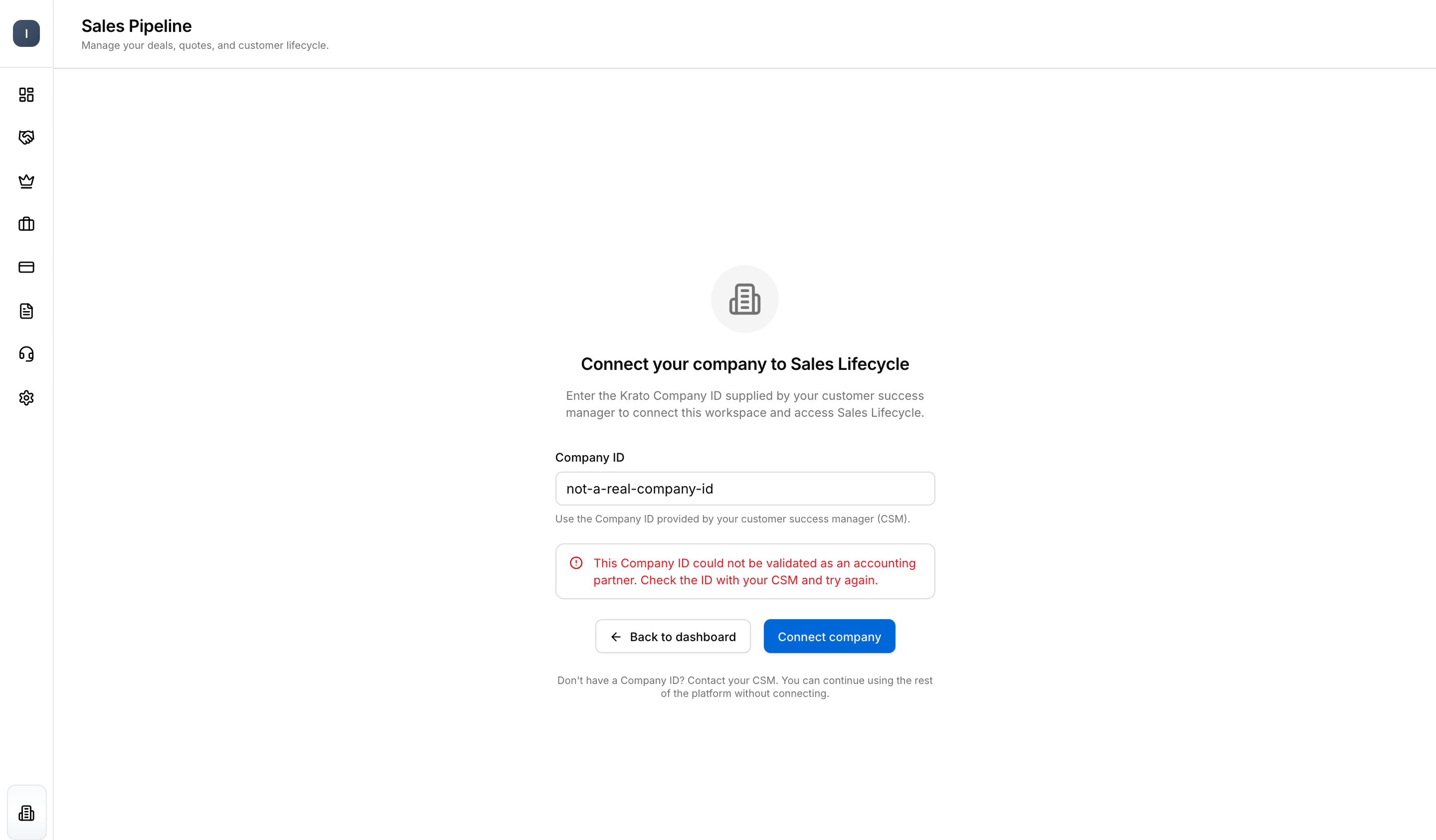
Company IDs submitted through Connect your company are now validated before the link is accepted, with a clear error when the ID cannot be linked. Account creation and company linking remain separate steps, and existing valid links are preserved.
UAE Purchase Invoice Assignment and Delivery
UAE ISV purchase flow
Company-Scoped Branch Assignment
Incoming UAE purchase invoices are now associated with their receiving company first, with branch assignment resolved from the invoice's branch reference and the company's eligible branch and source routes. Unresolved invoices remain visible for a manual decision, branch choices stay within the receiving company, and manual decisions are recorded.
Branch Reference IDs
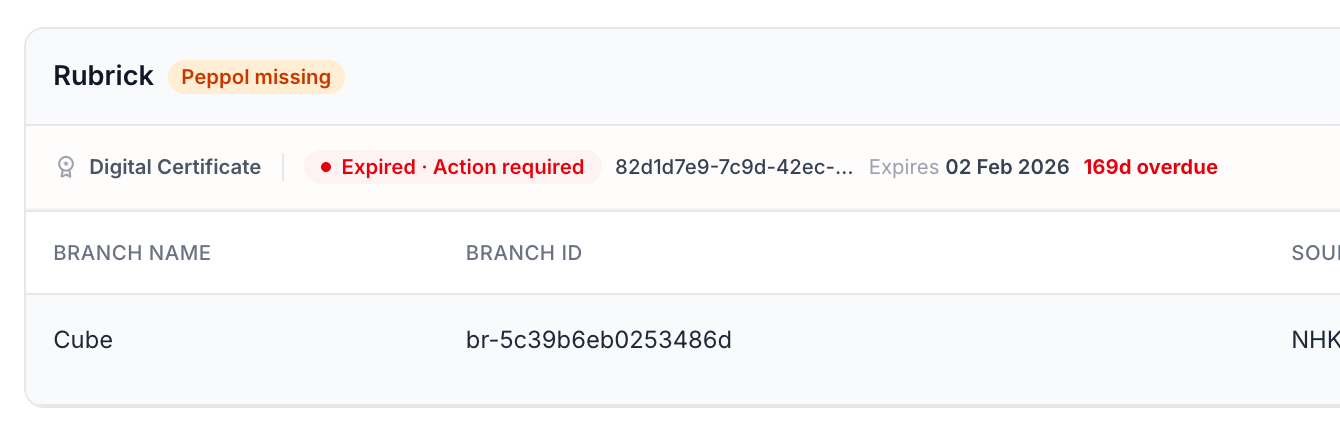
UAE onboarding now generates and displays branch reference IDs. Suppliers can include a shared reference in the purchase invoice's BuyerReference field, helping the assignment process match the invoice to an eligible branch within the receiving company.
Assignment from the Invoice Row
Branch assignment can now be reviewed and updated directly from the purchase invoice row, scoped to the receiving company's branches and applied only after confirmation. Source-delivery status is tracked separately.
Bulk Assignment of Selected Invoices
Selected purchase invoices can now be assigned in bulk from the table's Actions menu, grouped by company and exact branch reference, with up to 50 invoices per operation. Eligibility is rechecked when applying changes, concurrent assignments are not overwritten, and unresolved selections and delivery warnings remain visible.
Company and Branch Filters
The purchase table now includes a Company & Branch filter, including an Unassigned option, with company search and an active-filter indicator. It combines with existing search and document filters.
Assign All Matching Invoices
With one company and Unassigned selected, an assign-all action now covers every invoice matching the current search and filters across pages, processed in batches of up to 50 with partial outcomes reported. Existing assignments are protected from being overwritten.
Delivery After Assignment
Purchase routing and delivery are now separate steps: source-specific retrieval and purchase webhook delivery wait until branch assignment is resolved. Delivery eligibility is distinct from endpoint acceptance, and delivery attempts and failures are tracked separately.
Separate Delivery Status
The purchase table now shows source-delivery status separately from document-processing status, and previously blank delivery values are handled consistently. A processed document is no longer conflated with a successfully delivered one.
Safer Retry Processing
Retries of the same inbound purchase no longer create duplicate Ready records, and saved document actions are preserved rather than being treated as belonging to an unrelated new invoice.
Purchase Webhooks and Failure Alerts
Company and Branch Context
Purchase webhook events now carry attribution identifying the receiving company, branch and source along with assignment status and reason. The attribution.companyId supports listing the company's purchase invoices and retrieving individual documents by ID.
Opt-In Failure Emails
Webhooks can now be configured with up to five email recipients who are alerted when delivery reaches terminal failure, such as an exhausted retry allowance or a non-retryable response. Alerts include failure details and a link to webhook management.
In-App Failure Notifications
Terminal webhook failures now also produce a workspace bell notification, making failures visible in the portal alongside configured email alerts. Failure notifications are not sent through the failing webhook channel.
Reliable Delivery Retries
Retry scheduling has been corrected so eligible failed deliveries are queued for another attempt according to the configured retry policy, rather than silently stopping. Terminal responses or exhausted retries end the sequence and trigger the failure-notification flow.
Reliability and Usability Improvements
Faster Page Rendering
Both portals no longer wait on the same remote feature checks on every page-rendering request, removing an avoidable source of delay. No customer action is required.
Clearer Status Labels
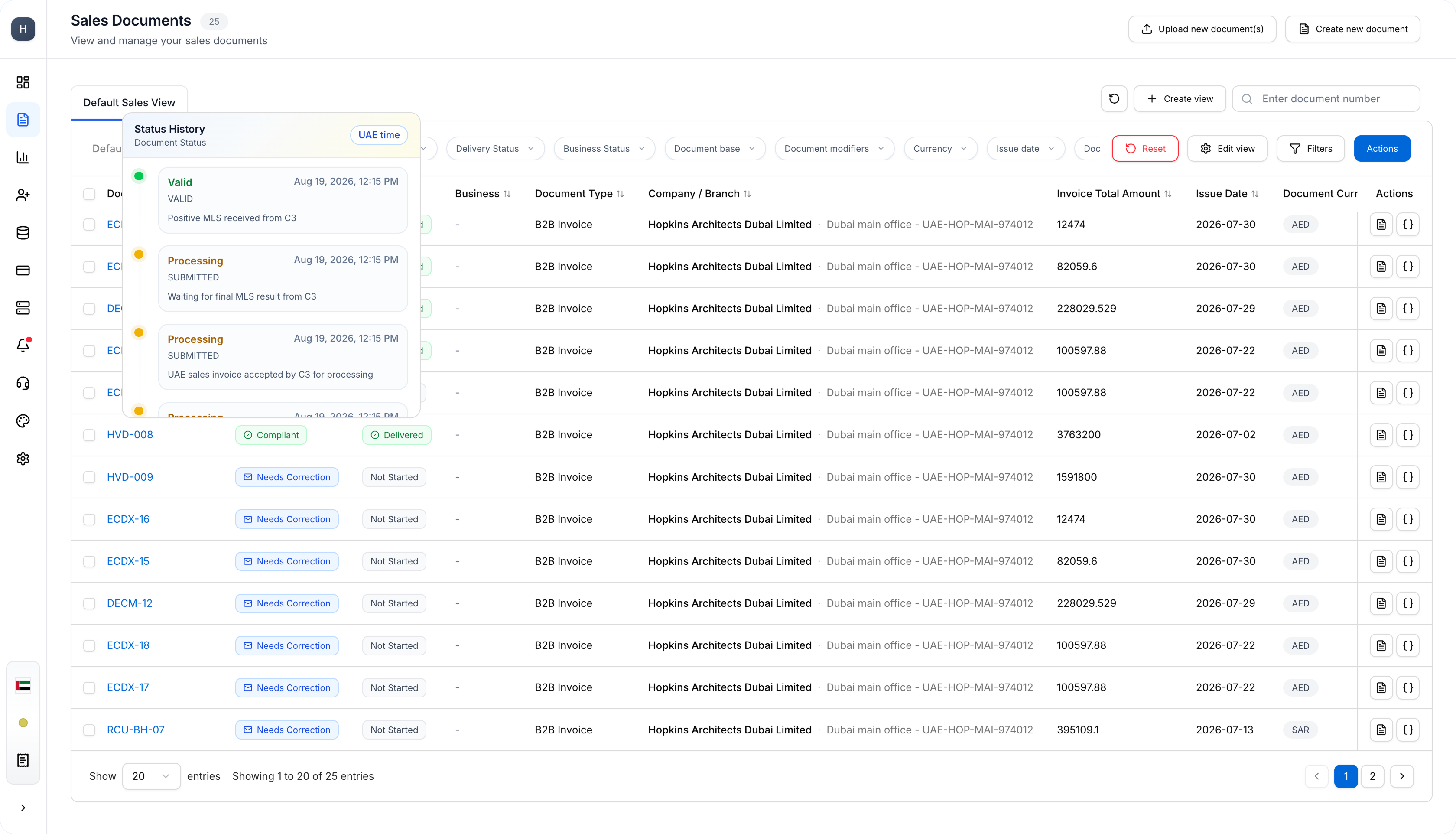
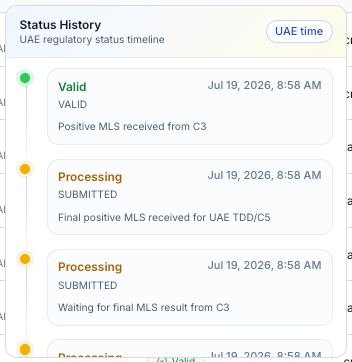
Document status history and tooltips now show readable, translated action labels instead of internal translation keys.
More Reliable Integration Processing
Integration handling has been corrected around source names, versions and API-key context, addressing cases where setup or invoice processing failed despite correct configured source details.
Invitation Continuity
Users invited to a workspace before creating an account are now returned to their invitation after signup, verification and sign-in, instead of being diverted into the workspace-creation wizard and risking an unnecessary second workspace.
Clearer Two-Factor Sign-In Errors
An incorrect two-factor authentication code now returns the expected sign-in failure instead of an unexpected server error. Existing attempt and session protections are unchanged.
Updated API Guidance
The Connect V3 invoicing documentation now covers the implemented single-invoice and batch-submission flows, including authentication headers, environment selection, request formats and documented response and error formats.
Simplified One Platform Settings
The ERP Connections settings page has been removed from One Platform. Supported ISV-managed customer connections continue to be managed from Customer Access in the Partner Platform.
Preview — Intelligent Purchase Branch Assignment
Under evaluation; not generally available.
Learned Branch Suggestions
Confirmed manual assignments now build per-company, per-supplier history that can surface a suggested branch with its supporting confirmation count in the branch selector. Suggestions are not applied automatically and remain subject to existing branch-eligibility checks.
Approved Assignment Rules
Administrators can now review learned assignment patterns and approve rules — limited to their company and supplier context — that assign matching future purchases automatically. A suggestion alone is not approval, and deterministic routing behavior remains in place.
Backlog Assignment
Approved rules can now be applied to existing purchase invoices from the branch-rules workflow, extending a reviewed pattern to the backlog. Existing human-confirmed assignments remain protected.
Correction Safeguards
Correcting an invoice assigned by a learned rule now pauses that rule pending administrator review, with branch eligibility rechecked at approval. Reprocessing preserves human-confirmed assignments, keeping customer decisions ahead of automation.
Pilot Preview — Accounting-Firm Onboarding and Sales
Subject to a confirmed pilot rollout; not generally available.
Partner and Customer Registration
The pilot establishes partner company identity and maintains customer-company records with duplicate and domain checks and CRM synchronization. Existing company attribution is preserved during synchronization, and registration conflicts must be resolved before proceeding.
Pre-Linked Partner Invitations
An invited registration flow carries the approved company association through email verification and workspace creation, so the company is already linked once the invitation is accepted — no separate manual company-ID entry.
Invitation Management
The supported partner-invitation integration can now check invitation status, resend invitations with a refreshed token, and cancel them so old links become unusable. Accepted invitations report the associated workspace.
Partner-Private Opportunities
Sales opportunities can be tracked within the partner's own workflow, recording owner, activities, next action, expected close date, value and currency across the applicable sales stages. A won opportunity records the commercial outcome; customer go-live remains a separate step.
Versioned Proposals
Proposals are now versioned against an opportunity, retaining acceptance evidence per version. Closing an opportunity as won or lost applies closure controls that keep the information required for the next stage.
Partner Priority Windows
Participating partner pursuits follow a sequential 45-day priority-window queue. A lost pursuit advances the next eligible partner; a won pursuit stops competing future progression. Priority warnings surface the queue state during the pursuit.
Commercial Reporting and History
Deal stages, stage history, commercial values, currencies, payment information and activation state are retained for reporting and reconciliation, linking sales outcomes to subsequent activation progress.
Pilot Preview — Customer Activation and Setup
Accounting-firm pilot, UAE first; subject to a confirmed pilot rollout.
Request Activation from a Won Deal
Activation can now be requested directly from a Closed Won deal, with the administrator contact and deal details such as country, document flows and integration route prefilled and summarized. The deal page becomes the place to follow the handoff.
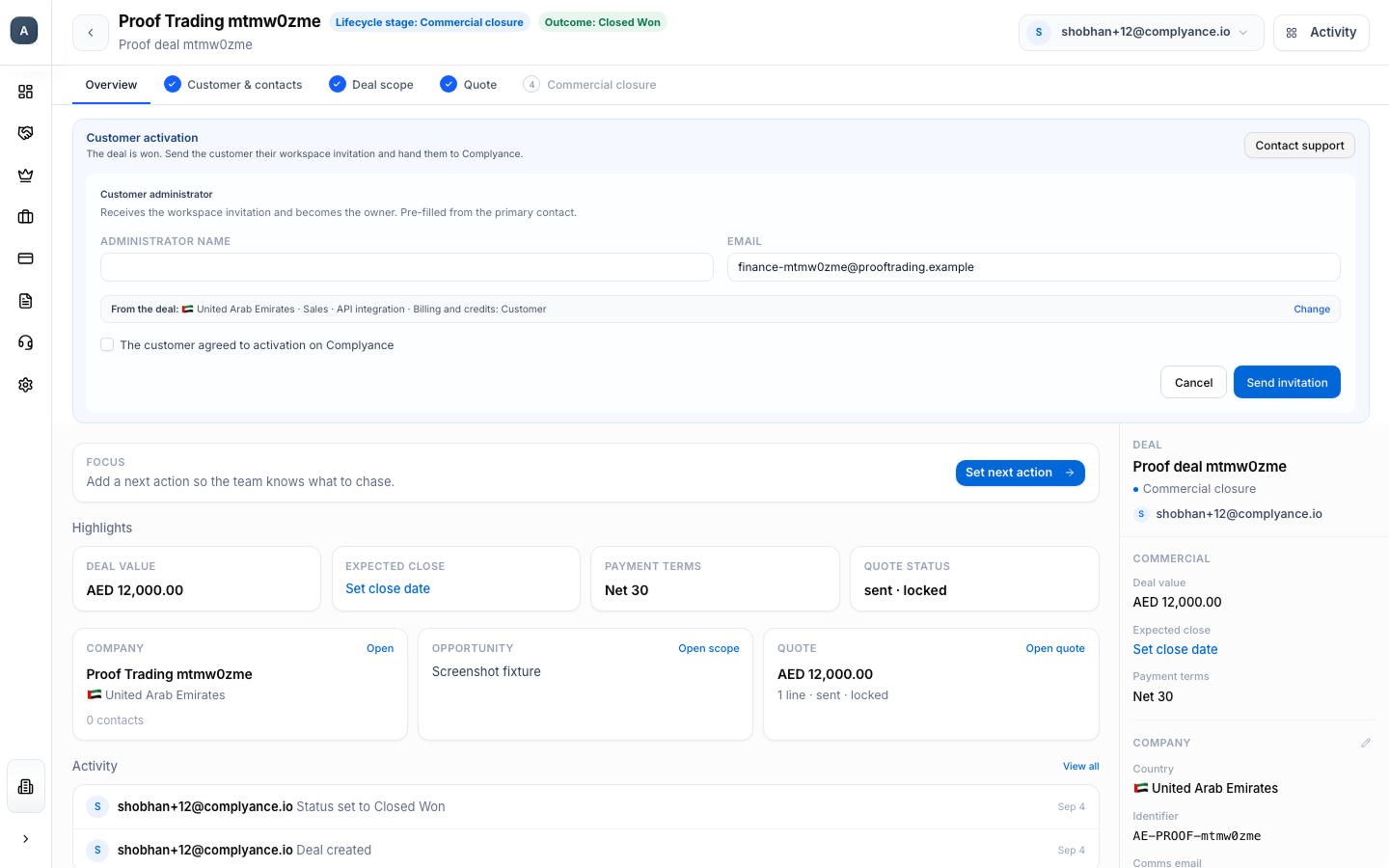
Track Activation Progress
The deal page now shows activation status with the responsible party, blocker and next action, reflecting the applicable invitation, onboarding, integration, testing and production milestones — instead of a single unexplained pending state.
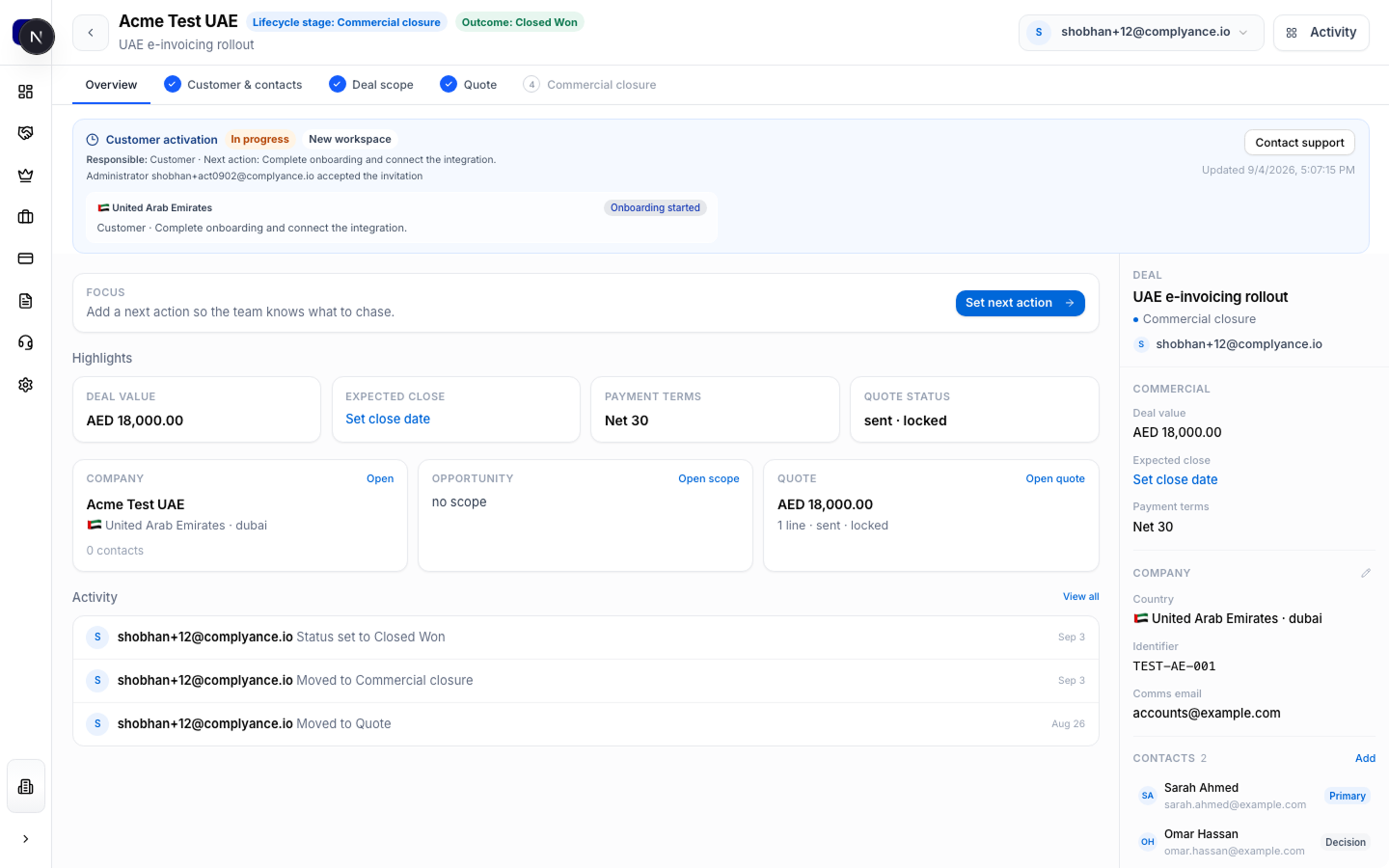
Customer Workspace Ownership
Activation supports provisioning a customer workspace, linking an eligible existing workspace, or a supported partner-managed setup. In the customer-owned path, ownership transfers when the designated administrator accepts the owner invitation, and the temporary provisioning membership is retired.
Guided Customer Setup
A One Platform setup guide now walks customers through four journeys — country onboarding, mapping, test invoices and go-live — showing the current action, completed steps and blockers. Supported UAE onboarding details are prefilled from the activation handoff, and progress is derived from actual workflow milestones.
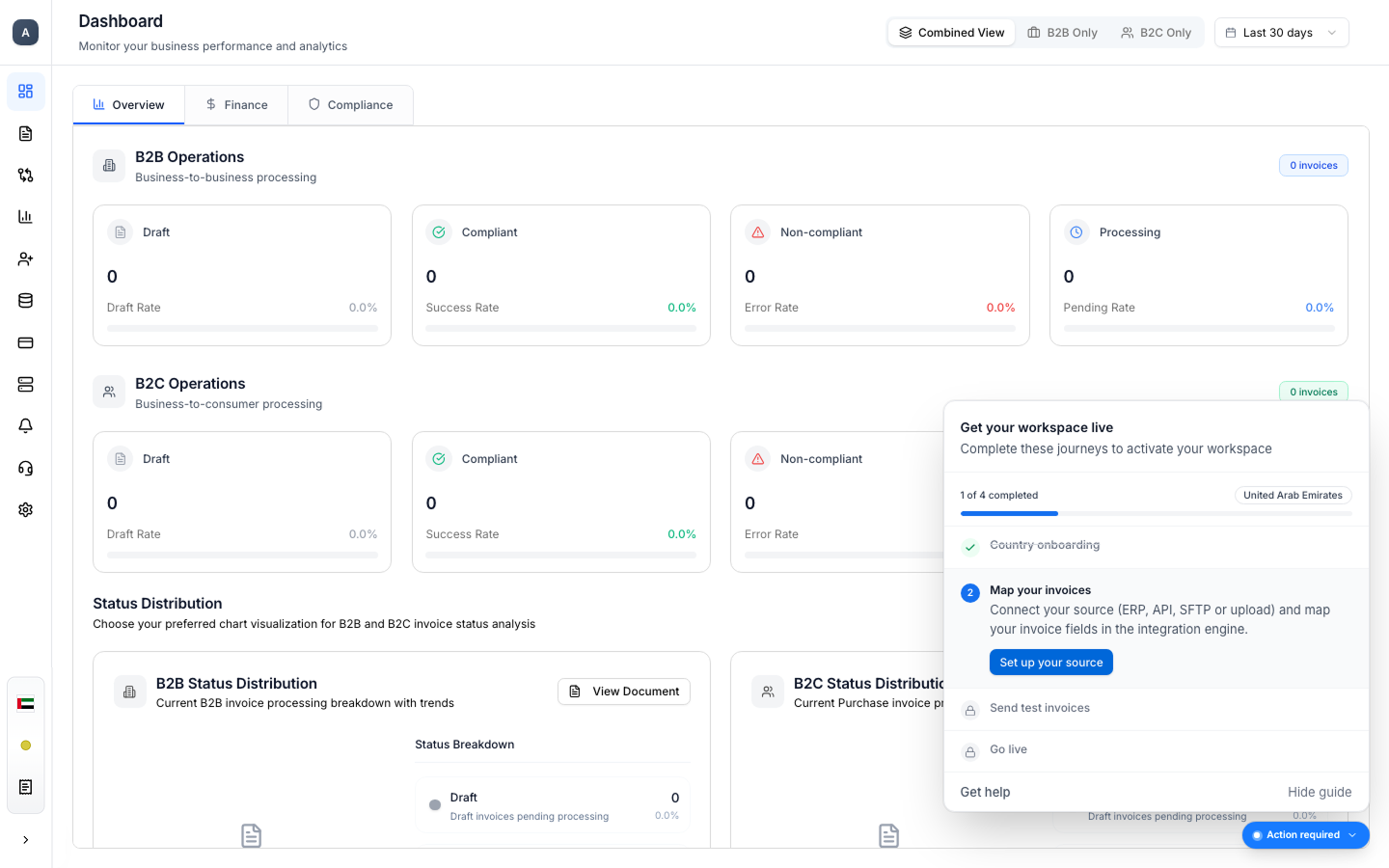
Faster Progress Updates and Hide Control
During activation, the setup guide refreshes progress approximately once a minute, surfacing recently completed actions without waiting for the scheduled reconciliation pass. The guide can be hidden per activation without cancelling it or stopping notifications; polling stops once activation is live.
Activation Notifications
The activation workflow sends email and in-app notifications for invitation events, blockers and lifecycle changes, keeping participants informed of when action is needed. Notifications continue even if the customer hides the guide.