Integrating SAP Business One with ZATCA E-Invoicing in Saudi Arabia

Learn how to integrate SAP Business One with ZATCA e-invoicing in Saudi Arabia, including middleware architecture, invoice data mapping, validation, clearance, reporting and implementation considerations.
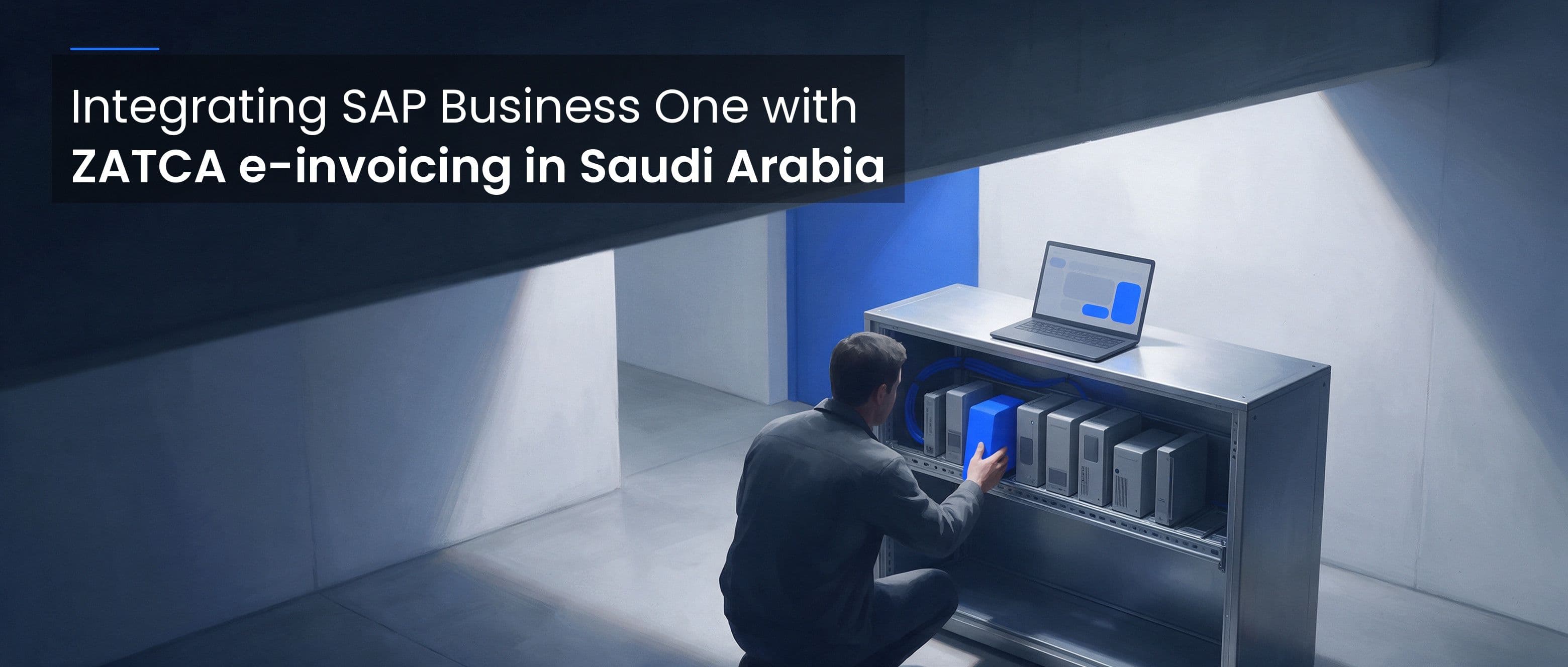
Table of Contents
Businesses using SAP Business One (SAP B1) in Saudi Arabia need an e-invoicing workflow that connects ERP data with the requirements of the Zakat, Tax and Customs Authority (ZATCA). Middleware or an integration API can connect SAP B1 with an e-invoicing platform, validate invoice data and manage the applicable submission workflow without requiring every compliance function to be built into the ERP.
The right design depends on the SAP B1 deployment, database, invoice types, integration architecture and the business’s ZATCA Phase 2 status. This guide explains the key components to plan for and how to evaluate an integration approach.
Why SAP Business One Needs an E-Invoicing Integration
SAP B1 supports business processes such as sales, purchasing, inventory and accounting. To meet Saudi e-invoicing requirements, invoice data from the ERP must be mapped to the relevant electronic invoice structure and processed according to the applicable ZATCA rules.
A dedicated integration layer can help:
- Transfer invoice data from SAP B1 to the e-invoicing workflow.
- Map ERP fields to the required Saudi invoice fields.
- Validate required data before submission.
- Support the appropriate clearance or reporting process.
- Return document identifiers and processing statuses to the business system.
- Maintain traceable records for reconciliation and troubleshooting.
The integration should be designed around the actual document workflow, rather than assuming every invoice is submitted and approved in the same way.
Understand the ZATCA Workflow First
Saudi Arabia’s e-invoicing framework has two phases. Phase 1 requires taxpayers in scope to generate and store electronic invoices and notes through a compliant solution. Phase 2 adds integration with ZATCA’s FATOORA platform for taxpayers notified in the relevant waves.
In general:
- Standard tax invoices and related notes must be cleared through ZATCA before they are shared with buyers, subject to the requirements applicable to the taxpayer’s integration wave.
- Simplified tax invoices and related notes must be reported to ZATCA through the integrated FATOORA workflow within 24 hours of generation for taxpayers subject to Phase 2 integration requirements.
For Phase 2 integration, the workflow uses structured XML data based on the applicable ZATCA specifications and APIs. A standard tax invoice should not be treated as cleared until the applicable clearance process has succeeded. An initial API acknowledgement should not automatically be treated as proof that the full workflow has completed. The integration should record and track the status returned by the relevant workflow.
Refer to ZATCA’s e-invoicing overview and technical specifications for current requirements.
A Typical SAP B1 Integration Architecture
A common architecture connects SAP B1 to an integration service, which then communicates with the e-invoicing platform and the relevant ZATCA workflow.
- Invoice creation in SAP B1. A user or business process creates the sales invoice or related document in the ERP.
- Data extraction. The integration reads required invoice details using a method supported by the SAP B1 environment. Avoid direct database changes to business records.
- Data mapping. The integration maps customer, seller, item, quantity, price, tax, totals and document references to the required invoice structure.
- Validation. Required fields and applicable Saudi-specific rules are checked before submission.
- Submission. The invoice is sent through the appropriate e-invoicing workflow for its document type.
- Status retrieval. The integration records the returned document identifier and checks processing status where needed.
- ERP update and reconciliation. The business system stores the relevant status and references, while finance teams reconcile processed documents with the original SAP B1 transaction.
The exact implementation may use SAP-supported integration services, an API, a connector or a custom middleware component. SAP Business One can run on SAP HANA or Microsoft SQL Server, so database technology and access methods depend on the deployment. Do not assume all installations use MySQL or the same schema.
Key Integration Considerations
1. Invoice data mapping
Map each required ZATCA field to a reliable source in SAP B1. Review seller and buyer details, VAT registration information, invoice dates, line items, tax categories, totals and references to previous documents where applicable. For Phase 2, the integration uses ZATCA’s structured XML invoice format based on the applicable UBL 2.1 specifications; verify the current schema and rules against ZATCA’s latest technical documentation.
Define how the integration handles missing values, rounding, discounts, multiple tax rates, credit notes and debit notes. Test a range of realistic transactions rather than validating only a single basic invoice.
2. Validation before submission
Validate the data and document structure before sending an invoice to the e-invoicing service. This can reduce avoidable rejections and help teams fix errors in the source system.
Keep the validation response and identify the field or rule that failed. A successful local validation is useful, but it does not guarantee that the document will pass every subsequent ZATCA processing step.
3. Clearance, reporting and status handling
The integration must distinguish between document types and their applicable workflow. Standard tax invoices must be cleared through ZATCA before they are shared with buyers, subject to the requirements applicable to the taxpayer’s integration wave. Simplified tax invoices must be reported through the integrated FATOORA workflow within 24 hours of generation under Phase 2.
Capture the initial response, document identifier and subsequent status. Handle rejected documents according to the applicable ZATCA technical guidance, and do not silently mark a document as complete when its outcome is unknown.
4. Reliability and recovery
Temporary connectivity problems and timeouts can leave the processing outcome uncertain. Use controlled retries, log requests and responses, and check document status where supported before resubmitting. Design safeguards against duplicate processing and alert the operations team to unresolved invoices.
5. Security and access control
Protect credentials and sensitive invoice data in transit and at rest. Restrict access according to role, avoid exposing secrets in logs, and document how credentials are provisioned, stored and renewed.
6. Archiving and auditability
As a general VAT-record baseline, records must be retained electronically in Saudi Arabia for at least six years from the end of the related tax period. E-invoices must also meet the retention requirements under the E-Invoicing Regulation and its technical specifications, so confirm the exact scope, storage location and accessibility requirements for your implementation with ZATCA guidance or a qualified adviser.
How Complyance Can Fit into an SAP B1 Integration
Complyance provides API-based e-invoicing capabilities for connecting business systems with country-specific workflows, including Saudi Arabia. For an SAP B1 implementation, assess how the integration would map ERP data, validate documents, submit them through the appropriate workflow and return processing statuses to the business.
Before implementation, confirm the current product scope and technical approach with Complyance, including:
- Which SAP B1 deployment and integration methods are supported.
- Which Saudi invoice and note types are supported.
- How the integration handles validation responses and document status retrieval.
- How retries, duplicate protection and unresolved requests are managed.
- How credentials, environments and production onboarding are handled.
- What testing, monitoring and support are included.
- How records are retained and made available for reconciliation.
Complyance’s Unify API documentation and submit and retrieve guide provide a starting point for understanding its API workflow. Confirm the required Saudi-specific configuration before building the integration.
SAP Business One connectivity is separate from ZATCA compliance capability: confirm whether the integration uses SAP B1’s Service Layer, Integration Framework, a partner connector or another supported integration route before committing to an architecture. The exact Complyance capabilities depend on product configuration and implementation, so confirm the current scope with Complyance and test the full workflow against your own invoice types and failure scenarios.
Explore Complyance for Saudi Arabia.
Suggested Implementation Plan
- Discover the SAP B1 setup. Document the deployment, database, version, customisations, invoice types and connected systems.
- Confirm regulatory scope. Identify the business’s applicable ZATCA phase, wave and document requirements.
- Map invoice data. Create a field mapping for each required document type, including tax calculations and references.
- Choose the integration method. Select an SAP-supported connector, API or middleware architecture that fits the environment.
- Validate and test. Test representative invoices, credit notes, debit notes, validation failures, timeouts and recovery scenarios.
- Implement monitoring. Track submissions, document status, errors, queue depth and unresolved outcomes.
- Run reconciliation checks. Compare SAP B1 transactions with the documents processed through the e-invoicing workflow.
- Prepare for production. Complete the required onboarding, access controls, operational procedures and user training before go-live.
Common Mistakes to Avoid
- Assuming every invoice follows the same clearance or reporting process.
- Treating an API response as confirmation of final processing.
- Mapping only basic invoice fields and overlooking adjustments or related notes.
- Retrying timed-out requests without checking whether they were already processed.
- Updating ERP records without an audit trail.
- Hardcoding credentials or exposing sensitive information in logs.
- Assuming a particular SAP database, table structure or integration method applies to every installation.
- Promising a fixed retention period or product capability without verifying current requirements and implementation scope.
Conclusion
Integrating SAP Business One with ZATCA e-invoicing requires careful data mapping, validation, workflow handling and operational monitoring. Middleware or an API can connect the ERP with the relevant e-invoicing process, but the integration must distinguish between clearance and reporting, preserve document status and provide a safe recovery path when errors occur.
Start by documenting your SAP B1 environment and confirming the ZATCA requirements that apply to your business. Then test the complete invoice lifecycle, including exceptions and reconciliation, before moving to production.
Official and Product Resources
Frequently Asked Questions
Yes. SAP Business One can be connected to an e-invoicing workflow through a suitable integration approach, such as middleware or an API. The method depends on the SAP B1 environment, invoice processes and applicable ZATCA requirements.
Middleware transfers invoice data between SAP B1 and the e-invoicing service, maps fields, supports validation and submission, and returns processing statuses. It can reduce the need to build all e-invoicing functions directly into the ERP.
No. Standard tax invoices and related notes must be cleared through ZATCA before they are shared with buyers, subject to the requirements applicable to the taxpayer’s integration wave. Simplified tax invoices and related notes must be reported to ZATCA through the integrated FATOORA workflow within 24 hours of generation for taxpayers subject to Phase 2 requirements.
ZATCA’s Phase 2 integration workflow is based on structured XML data and API responses, not a universal returned PDF/A-3 file. Your solution may generate and retain a human-readable representation where required, but its format, QR code, archival copy and status handling must follow the applicable ZATCA specifications and your e-invoicing provider’s implementation.
Use an integration method supported by your SAP B1 environment. Direct database access may be suitable for certain read-only integration designs, but changes to business records should follow SAP-supported methods and the organisation’s technical controls.
A timeout leaves the processing outcome uncertain. Log the request, preserve the invoice identifier and use the API’s documented status-check or recovery method before retrying, to reduce the risk of duplicate processing.
Test the relevant invoice types, required fields, tax calculations, credit and debit notes, validation errors, clearance or reporting responses, connectivity failures, retry behavior, status retrieval and reconciliation with SAP B1.
As a general VAT-record baseline, records must be retained electronically in Saudi Arabia for at least six years from the end of the related tax period. E-invoices must also meet the retention requirements under the E-Invoicing Regulation and its technical specifications, so confirm the exact scope, storage location and accessibility requirements for your implementation with ZATCA guidance or a qualified adviser.
About the Author

Ajith Kumar
Im a skilled content writer and SEO expert crafting engaging articles that rank. Passionate about making complex topics clear, discoverable, and valuable to readers.Dedicated to driving organic growth through high-quality, search-optimized content